 FireLookup
How to Reconcile CSV Files Without Losing Your Mind
CSV reconciliation is uniquely painful. Here's the manual Excel approach and when to switch to a dedicated matching tool.
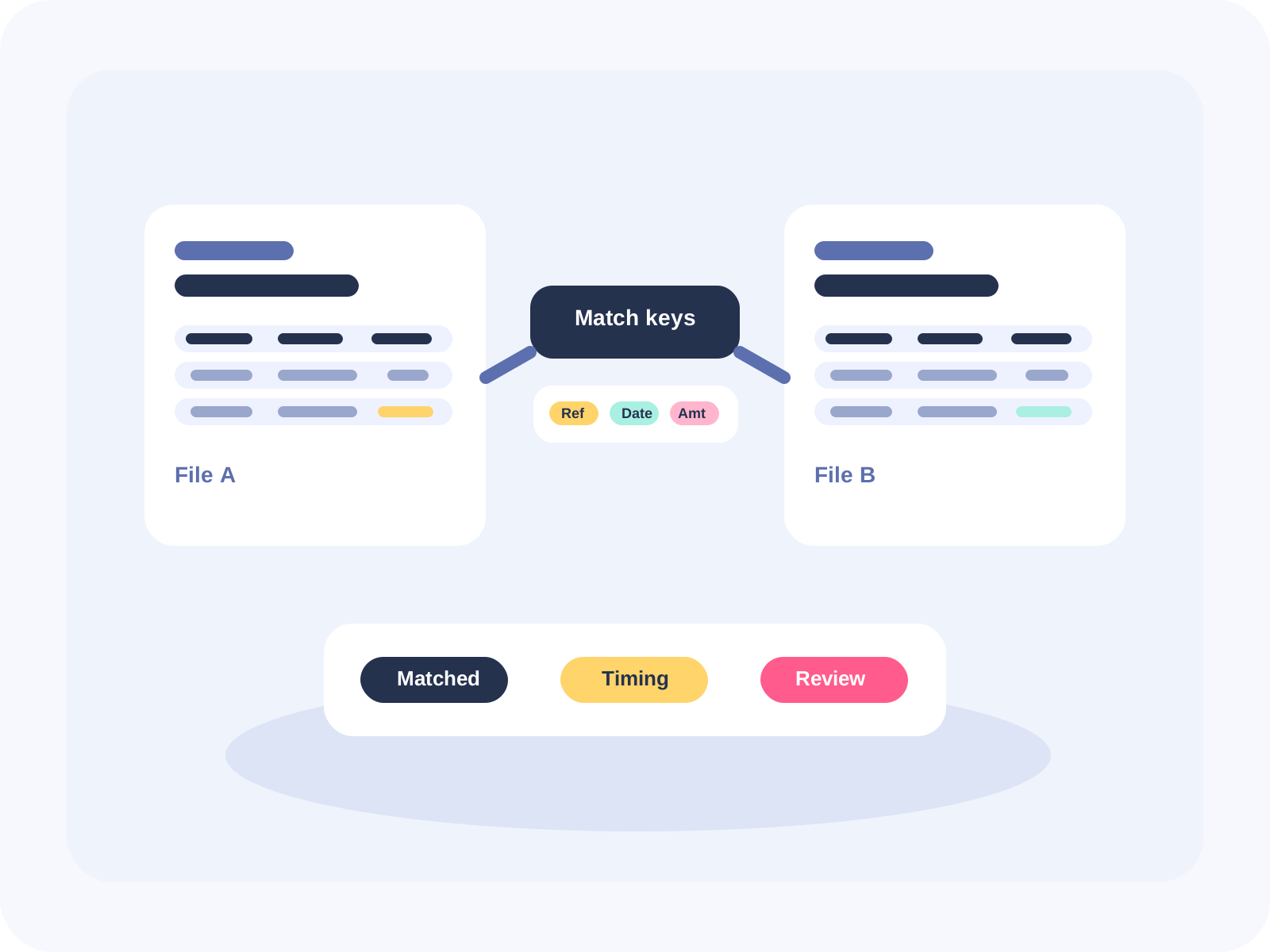
CSV reconciliation is uniquely painful: encoding issues, date mismatches, trailing spaces. Here's how to do it in Excel and when to use a dedicated tool.
Why CSV Reconciliation Hurts
CSV files are the universal export format for financial systems. Five reasons they're uniquely painful:
- No formulas built in. You can't write a formula inside a CSV and save it.
- Encoding issues. UTF-8, UTF-8 BOM, Latin-1, Windows-1252.
- Date format hell. MM/DD/YYYY vs DD/MM/YYYY vs YYYY-MM-DD.
- Invisible characters. Trailing spaces, null values, stray line breaks.
- Column drift. Bank A's CSV has 8 columns today and 10 tomorrow.
Manual Approach in Excel
Step 1: Import using Power Query (Get Data > From Text/CSV). Set data types, skip rows. Step 2: Clean and normalize. Create columns for dates (TEXT/Power Query), trim spaces (TRIM), standardize case (UPPER), remove non-printing chars (CLEAN). Step 3: Match using XLOOKUP or Power Query Merge. Step 4: Find differences with conditional formatting or COUNTIF. Step 5: Export matched and unmatched rows.
Where This Breaks
Power Query connections break if the CSV format changes. Formulas require manual range updates. No built-in audit trail. Reconciliation takes hours every close.
How FireLookup Helps
Upload both CSV files, map columns visually, choose exact/fuzzy/grouped match, click match, export results. No formula setup. No Power Query maintenance.
FAQ
Why are CSV files harder than Excel?
No formulas, no formatting, inconsistent encoding. Dates and numbers may appear differently.
Can Excel compare two CSV files?
Yes, through Power Query or cell formulas, but it requires manual setup each time.
How do I find unmatched rows?
Use XLOOKUP or Power Query Merge with anti-join (left anti or right anti).
Can FireLookup handle large CSV files?
Yes. It processes files without the row limits Excel encounters.
Do I need to reformat my CSVs?
No. FireLookup lets you map columns on upload.
Related FireLookup resources
Explore more
More spreadsheet reconciliation resources
Explore pricing, reconciliation guides, and support resources for teams comparing Excel and CSV files with an audit trail.