 FireLookup
Invoice Reconciliation in Excel: Match Invoices, Payments, Credits, and Short Pays
Invoice reconciliation sounds simple until real payment behavior shows up: one customer pays five invoices in one ACH, another short-pays due to a credit memo, another...
Summary
Invoice reconciliation sounds simple until real payment behavior shows up: one customer pays five invoices in one ACH, another short-pays due to a credit memo, another includes a fee deduction, and another pays an invoice number with a typo in the remittance file. Excel can handle clean one-to-one matches with XLOOKUP, SUMIFS, or Power Query, but it becomes fragile when the matching is fuzzy, grouped, many-to-one, or audit-sensitive.
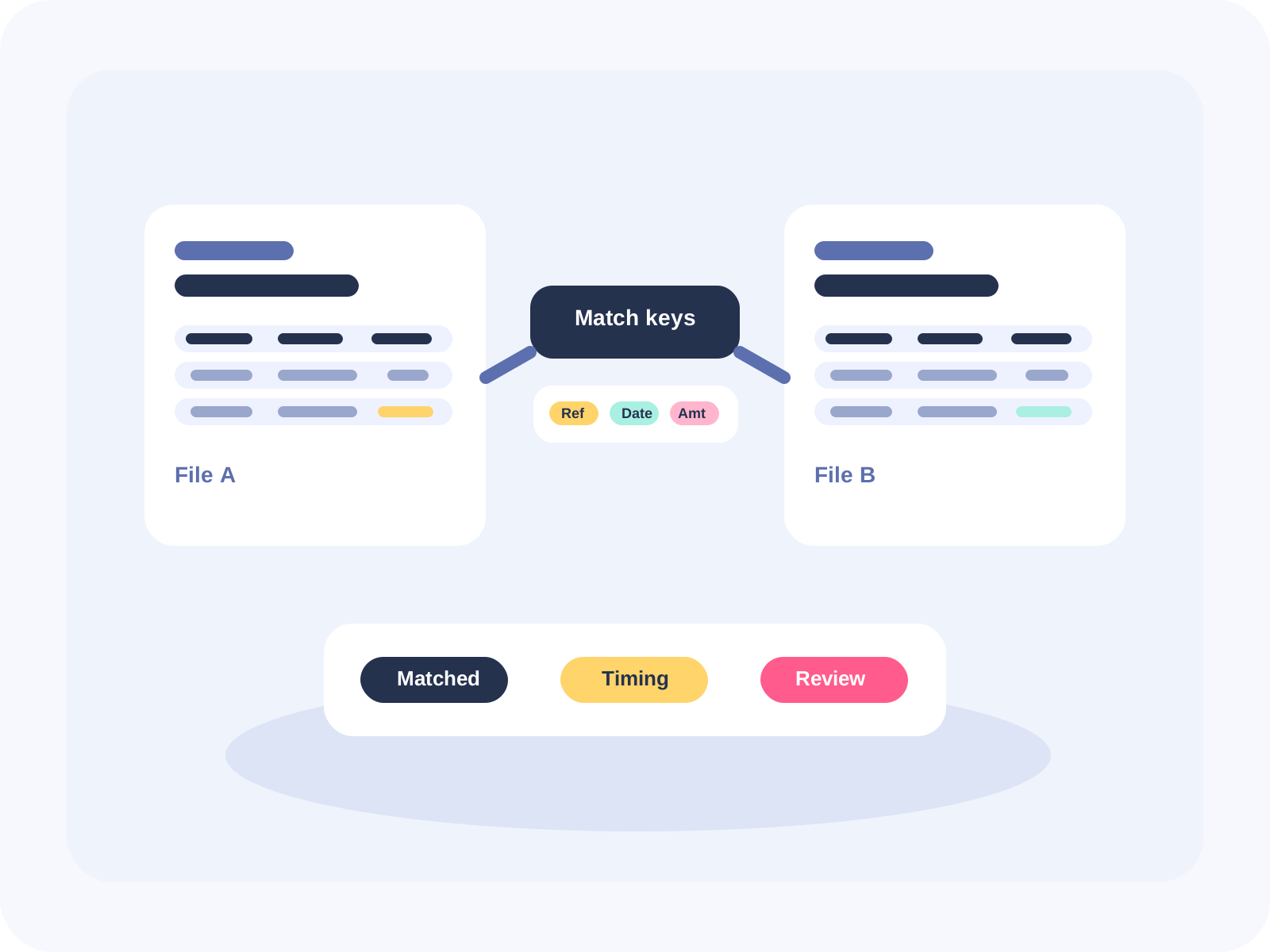
FireLookup is built for this exact workflow: upload the invoice export and payment/remittance export, choose exact, fuzzy, or grouped matching rules, review exceptions, and export audit-ready matched and unmatched files.
The real invoice reconciliation workflow
Most AR/AP reconciliation workflows start with two files:
- Invoice file from accounting/ERP software: invoice number, customer/vendor, invoice date, due date, amount, currency, status.
- Payment or remittance file from bank, gateway, customer portal, or AP system: payment date, payer/payee name, memo, remittance reference, gross amount, fees/deductions, net amount.
The goal is to determine:
- Which invoices were paid exactly.
- Which invoices were paid as part of a batch payment.
- Which invoices were partially paid or short-paid.
- Which payments cannot be tied to an invoice.
- Which invoices remain open.
- Which exceptions need follow-up before month-end close.
Example data
Invoice export
| Invoice # | Customer | Invoice Date | Due Date | Invoice Amount | Currency | Status |
|---|---|---:|---:|---:|---|---|
| INV-10041 | Acme Retail LLC | 2026-05-01 | 2026-05-31 | 1,250.00 | USD | Open |
| INV-10042 | Acme Retail LLC | 2026-05-03 | 2026-06-02 | 640.00 | USD | Open |
| INV-10043 | Northwind Supply | 2026-05-04 | 2026-06-03 | 2,175.50 | USD | Open |
| INV-10044 | Bluebird Ops Inc. | 2026-05-06 | 2026-06-05 | 499.00 | USD | Open |
| INV-10045 | Canal Market | 2026-05-07 | 2026-06-06 | 890.00 | USD | Open |
Payment/remittance export
| Payment ID | Payment Date | Payer Memo | Payer Name | Gross Payment | Deduction | Net Deposit |
|---|---:|---|---|---:|---:|---:|
| ACH-7781 | 2026-05-10 | INV10041 + INV10042 | ACME RETAIL | 1,890.00 | 0.00 | 1,890.00 |
| ACH-7790 | 2026-05-11 | Invoice 10043 | Northwind Supply Co | 2,175.50 | 0.00 | 2,175.50 |
| ACH-7794 | 2026-05-12 | Bluebird invoice 10044 short pay | Bluebird Operations | 474.00 | 25.00 | 474.00 |
| ACH-7801 | 2026-05-13 | CN-223 credit applied, invoice 10045 | Canal Mkt | 840.00 | 50.00 | 840.00 |
| ACH-7808 | 2026-05-14 | May services | Unknown LLC | 300.00 | 0.00 | 300.00 |
This data has all the messy patterns that make invoice reconciliation hard:
- INV-10041 and INV-10042 are paid together in one ACH.
- INV-10043 has a reference mismatch: Invoice 10043 instead of INV-10043.
- INV-10044 is short-paid by $25.
- INV-10045 includes a credit memo deduction.
- ACH-7808 has no obvious invoice match.
Step-by-step process in Excel
Step 1: Standardize invoice and payment fields
Create helper columns in both files:
- Clean invoice number: remove spaces, dashes, prefixes, and punctuation.
- Normalized customer/vendor name: uppercase, trim spaces, remove common suffixes like LLC/INC/CO where appropriate.
- Absolute amount: standardize signs for invoices, refunds, credits, and payments.
- Date bucket: payment date and invoice due date/month if timing tolerance matters.
Example formulas:
=UPPER(SUBSTITUTE(SUBSTITUTE(TRIM([@[Invoice #]]),"-","")," ",""))
=UPPER(TRIM(SUBSTITUTE(SUBSTITUTE([@Customer]," LLC","")," INC.","")))
=ROUND(ABS([@[Invoice Amount]]),2)
Step 2: Try exact invoice-number matching
If the payment memo includes the invoice number cleanly, use XLOOKUP or INDEX/MATCH from payment references to invoice numbers.
=XLOOKUP([@[Clean Ref]],Invoices[Clean Invoice #],Invoices[Invoice Amount],"No match")This works for exact references but misses cases like Invoice 10043 vs INV-10043, combined payments, abbreviations, and typos.
Step 3: Match by customer + amount
For payments without invoice numbers, create a compound key:
=[@[Clean Customer]]&"|"&TEXT([@[Amount]],"0.00")Then use XLOOKUP between the payment file and invoice file. This catches some cases, but it can create false positives if a customer has multiple invoices for the same amount.
Step 4: Use SUMIFS for grouped payments
For payments that cover multiple invoices from the same customer, use SUMIFS by customer and date range:
=SUMIFS(Invoices[Invoice Amount],Invoices[Clean Customer],[@[Clean Payer]],Invoices[Status],"Open")Then compare the total open invoice amount to the payment amount. This can identify likely grouped matches, but it does not tell you exactly which invoices belong in the group unless you manually review the rows.
Step 5: Flag tolerances and short pays
Create variance columns:
=[@[Payment Amount]]-[@[Matched Invoice Amount]]Then categorize:
| Variance | Likely status |
|---:|---|
| 0.00 | Exact match |
| -0.01 to -5.00 | Minor fee/timing difference |
| -5.01 to -100.00 | Deduction, credit, or short pay |
| Positive variance | Overpayment or grouped invoices missing |
| No match | Exception |
Step 6: Produce matched and unmatched tabs
At minimum, month-end review needs:
- Matched invoices/payments.
- Open invoices with no payment.
- Payments with no invoice.
- Partial/short-paid invoices.
- Grouped payment matches.
- Manual-review exceptions.
In Excel, this usually means filters, helper columns, copied tabs, and careful version control so the audit trail does not get overwritten.
Where Excel breaks
Excel is useful for simple invoice reconciliation, but the process becomes risky when the data is not clean.
1. One payment covers many invoices
A single ACH for $1,890 might pay INV-10041 and INV-10042. XLOOKUP expects one row to match one row, so it cannot naturally explain this many-to-one relationship.
2. Invoice references are inconsistent
Customers may write 10043, INV 10043, Invoice #10043, or mistype the number entirely. Exact-match formulas miss these.
3. Customer names do not match perfectly
Acme Retail LLC, ACME RETAIL, and Acme Retail Stores may all refer to the same entity. Excel can normalize text, but maintaining name aliases manually gets messy.
4. Deductions and credit memos distort amounts
A short pay may still be a legitimate match if a credit memo, allowance, chargeback, or processing fee explains the difference. Exact amount matching marks it as unmatched.
5. Manual exception handling is hard to audit
When users copy rows between tabs, overwrite formulas, or manually color-code exceptions, it becomes hard to prove why a match was accepted.
6. Power Query helps, but still needs maintenance
Power Query merges are stronger than formulas for repeat workflows, but fuzzy matching thresholds, grouping rules, and exception exports still require setup and maintenance. Non-technical finance users may not want to maintain M code or refresh logic.
How FireLookup helps
FireLookup is a focused reconciliation tool for Excel and CSV files. For invoice reconciliation, it helps finance/ops users move from fragile spreadsheet matching to a repeatable review workflow.
Upload both files
Upload the invoice export and the payment/remittance export directly as Excel or CSV.
Choose matching logic
Use the method that fits the data:
- Exact matching: invoice number, payment ID, amount, customer ID.
- Fuzzy matching: customer names, invoice references in messy memo fields, slightly different descriptions.
- Grouped matching: one payment to many invoices, many payments to one invoice, payout/deposit batches.
- Tolerance matching: allow small fee, deduction, rounding, or FX differences.
Review clear outputs
Instead of manually building tabs, export:
- Matched invoice/payment rows.
- Unmatched invoices.
- Unmatched payments.
- Grouped matches.
- Exception rows that need review.
- Match notes that explain the rule used.
Keep an audit-ready file
FireLookup's goal is not just to find matches; it is to make the reconciliation reviewable. Matched/unmatched exports give the team a clean support file for close, AR follow-up, AP review, or controller sign-off.
Recommended FireLookup matching setup
| Reconciliation issue | Suggested FireLookup approach |
|---|---|
| Invoice numbers match exactly | Exact match on normalized invoice number |
| Memo contains invoice number with formatting differences | Fuzzy/reference match on memo vs invoice number |
| One ACH pays several invoices | Grouped match by customer + summed invoice amounts |
| Short pay or deduction | Amount tolerance + exception reason |
| Customer names differ | Fuzzy match customer/payer names |
| Bank deposit includes fees | Match gross payment and track fee/net deposit fields |
| Payment has no reference | Fuzzy customer + amount/date-window match |
| Duplicate invoices or payments | Export duplicates as review exceptions |
FAQ
What is invoice reconciliation?
Invoice reconciliation is the process of matching invoices against payments, credits, deductions, and bank deposits to confirm what has been paid, what remains open, and which exceptions need follow-up.
Can Excel reconcile invoices to payments?
Yes. Excel can reconcile simple invoice-to-payment matches with XLOOKUP, SUMIFS, filters, and Power Query. It becomes harder when one payment covers multiple invoices, customer names differ, payment memos are messy, or short pays and deductions are involved.
How do I match one payment to multiple invoices in Excel?
You can use SUMIFS to total open invoices by customer and compare that total to a payment amount. However, Excel usually still requires manual review to identify the exact invoices in the group. A reconciliation tool like FireLookup can handle grouped matching and export the matched set.
How do I handle short-paid invoices?
Create a variance column between payment amount and invoice amount, then categorize the variance as a fee, credit memo, deduction, short pay, or exception. FireLookup can use tolerances and match notes so these items are separated from true unmatched records.
What is fuzzy invoice matching?
Fuzzy invoice matching finds likely matches when text is similar but not identical, such as INV-10043 vs Invoice 10043, or Acme Retail LLC vs ACME RETAIL. It is useful when remittance files contain inconsistent references.
What should I export after invoice reconciliation?
Export matched invoices/payments, unmatched invoices, unmatched payments, grouped matches, short-pay exceptions, and any manual-review notes. These files support month-end close, AR follow-up, AP review, and audit requests.
Final CTA
If invoice reconciliation is taking too long in spreadsheets, try FireLookup with your next invoice and payment export.
Reconcile two Excel or CSV files with FireLookup
Related FireLookup resources
Explore more
More spreadsheet reconciliation resources
Explore pricing, reconciliation guides, and support resources for teams comparing Excel and CSV files with an audit trail.