 FireLookup
Spreadsheet Reconciliation Software for Small Business: What to Use When Excel Becomes the Bottleneck
Know when Excel, your accounting platform, or lightweight reconciliation software is the right fit as matching work grows.
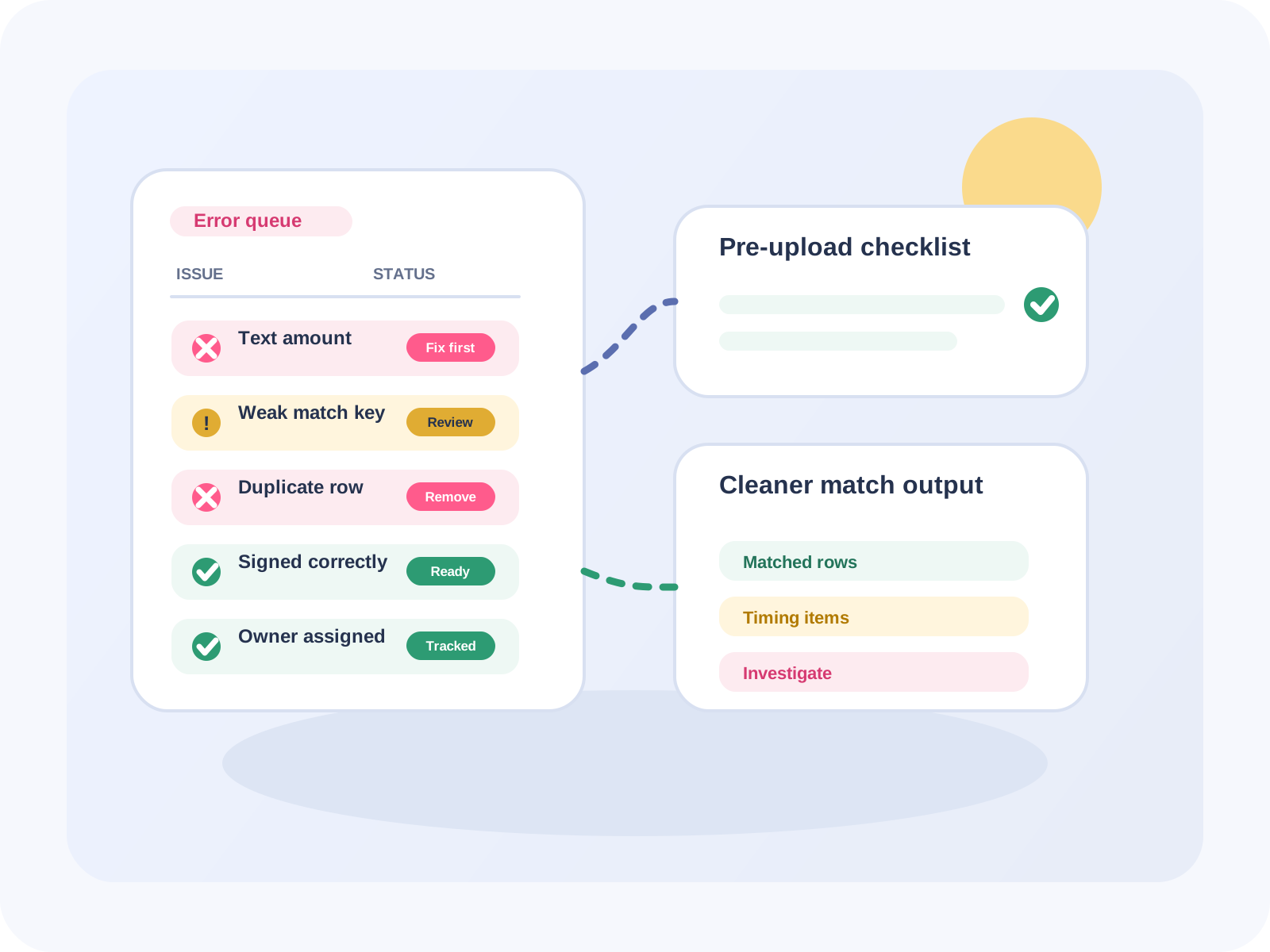
Small business reconciliation usually starts in Excel for good reasons: every bank, marketplace, payment gateway, accounting system, and ERP can export a CSV or workbook. A bookkeeper can download two files, add helper columns, run VLOOKUP or XLOOKUP, filter the #N/A rows, and get through the month.
That works until the reconciliation is no longer small.
Maybe one Shopify payout contains hundreds of orders, refunds, fees, chargebacks, and adjustments. Maybe the bank deposit is one total, while the sales report has dozens of rows. Maybe a payment processor changes the memo format. Maybe the general ledger export has names while the bank export has references. Suddenly the spreadsheet is not just a place to review reconciliation - it has become the reconciliation system.
This guide explains when Excel is enough, when your accounting platform is enough, when enterprise reconciliation software is too much, and when lightweight spreadsheet reconciliation software is the better fit.
What spreadsheet reconciliation software does
Spreadsheet reconciliation software compares records from two exported files and helps you identify:
- rows that match exactly
- likely matches with slightly different text or formatting
- one-to-many or grouped matches, such as one payout matching many orders
- unmatched rows that need review
- matched and unmatched exports that can be saved for month-end support
For many small businesses, the source systems are not the issue. The issue is that each system exports data differently. Bank statements, Stripe exports, Shopify orders, marketplace settlements, invoice registers, and general ledger reports rarely line up in the same shape.
A practical reconciliation tool should let you keep those exports as files, upload them, choose the matching columns, review exceptions, and export the result without rebuilding formulas every month.
When Excel formulas are still enough
Excel is still a good choice when the reconciliation is simple and repeatable.
Use Excel formulas if:
- each transaction has a stable shared ID in both files
- the amounts are one-to-one
- dates are consistent
- text fields do not change much
- there are only a few exceptions
- one person owns the process and understands the workbook
A simple example:
| Bank export | Ledger export | Excel method |
| --- | --- | --- |
| `ACH-10491`, `$820.00` | `ACH-10491`, `$820.00` | XLOOKUP on reference |
| `INV-2218`, `$145.00` | `INV-2218`, `$145.00` | VLOOKUP or MATCH |
| `PAY-7711`, `$63.20` | `PAY-7711`, `$63.20` | exact key match |
For this kind of file, a helper column such as reference & amount may be enough. You can filter unmatched rows and investigate them manually.
The problem is that small business reconciliation often stops being this clean.
Where manual spreadsheet reconciliation breaks
Manual reconciliation gets fragile when the real-world data does not behave like the formula expects.
Common failure points include:
1. One bank row equals many source rows
A payment gateway payout might hit the bank as one deposit, while the source report contains many charges, fees, refunds, and adjustments. A lookup formula expects one row to match one row. A grouped reconciliation needs to compare totals across multiple rows.
2. IDs exist in one system but not the other
A bank memo might include a partial reference, while the order export has the full order number. A formula may miss a legitimate match because the key is not identical.
3. Dates differ because of settlement timing
The order date, payout date, and bank deposit date may all be different. If the workbook assumes the same date in both files, valid matches become false exceptions.
4. Amount signs and formats vary
One export may show fees as negative numbers. Another may show refunds in a separate column. Some reports include currency symbols, commas, or text-heavy descriptions. Every formatting difference adds another cleanup step.
5. The workbook becomes hard to audit
If reconciliation depends on hidden columns, copied formulas, manual filters, and one person's memory, the final output is hard to hand off. During close, tax prep, or audit review, the team needs to explain not only what matched, but how it matched.
How to choose between accounting software, enterprise reconciliation tools, and spreadsheet reconciliation software
There is no single best reconciliation system for every business. The right choice depends on volume, complexity, integrations, and budget.
Option 1: Built-in reconciliation inside QuickBooks, Xero, or another accounting platform
Accounting platforms are often the first place to check. If your bank feed imports cleanly and your transactions are already recorded correctly, built-in bank reconciliation may be enough.
Best fit:
- simple bank-to-book matching
- businesses already using one accounting system as the source of truth
- low-volume workflows with few external files
Limitations:
- not every marketplace, processor, or operational system maps cleanly into the accounting platform
- file-to-file comparisons may still happen outside the system
- grouped payout details often require spreadsheet work before posting or review
Option 2: Enterprise account reconciliation platforms
Enterprise reconciliation platforms are built for larger accounting departments, multi-entity close processes, ERP integrations, controls, approvals, and dashboards. They can be powerful, but implementation and pricing may be more than a small business needs.
- multi-entity companies
- formal close management workflows
- ERP integrations
- high control requirements
- large finance teams with approval chains
Limitations for small teams:
- setup can be heavy for file-based reconciliation
- pricing may not fit occasional spreadsheet workloads
- the team may still need a quick way to compare ad hoc CSV exports
Option 3: Spreadsheet reconciliation software
Spreadsheet reconciliation software sits between manual Excel and enterprise close tools. It is useful when the business still works with exported files, but the matching logic has become too complex for a fragile workbook.
- accountants and bookkeepers reconciling client files
- e-commerce operators matching orders, fees, refunds, payouts, and bank deposits
- small finance teams comparing bank statements to general ledger exports
- analysts who need repeatable matched and unmatched outputs without macros
- teams that receive CSV/XLSX exports from multiple systems
A lightweight workflow looks like this:
- Export File A from the bank, marketplace, payment processor, CRM, or accounting system.
- Export File B from the second system.
- Upload both files.
- Choose the columns that should match, such as reference, amount, date, order ID, or description.
- Run exact, fuzzy, or grouped matching.
- Review matched and unmatched rows.
- Export the results for support, exception review, or month-end files.
Example: reconciling a payout deposit to order rows
Imagine a Shopify or payment processor payout.
| Source file | Example row | Problem |
| --- | --- | --- |
| Bank statement | `Deposit PAYOUT-7782 $4,825.40` | one net deposit |
| Order export | `Order #1051 $120.00` | one of many order rows |
| Refund export | `Refund #1044 -$45.00` | reduces payout total |
| Fee export | `Processing fee -$2.90` | may be separated from orders |
In a manual spreadsheet, the bookkeeper may build pivot tables, SUMIFS formulas, and helper tabs to prove that the orders, refunds, and fees roll up to the bank deposit. That process can work, but it is slow and easy to break when the column names or payout structure changes.
With spreadsheet reconciliation software, the goal is not to replace accounting judgment. The goal is to reduce the mechanical matching work so the reviewer can focus on exceptions: missing payouts, unexpected fees, duplicate orders, timing differences, and rows that need follow-up.
What small businesses should look for
When evaluating spreadsheet reconciliation software, prioritize practical workflow features over buzzwords.
Look for:
- support for CSV and Excel uploads
- exact matching for clean references
- fuzzy matching for slightly different text
- grouped or one-to-many matching for payouts and deposits
- matched and unmatched exports
- a clear review workflow for exceptions
- simple pricing that fits occasional and recurring workloads
- no requirement to rebuild macros or Power Query steps for every new file
Also check whether the tool keeps your source files unchanged. For audit and review, it is helpful to preserve original exports and produce a separate reconciliation result.
Where FireLookup fits
FireLookup is spreadsheet reconciliation software for people who are tired of reconciling Excel and CSV files with VLOOKUP chains, XLOOKUP formulas, helper columns, copied formulas, Power Query steps, and macros.
It is designed for file-based reconciliation workflows such as:
- bank statement vs general ledger
- invoice report vs payment report
- Shopify orders vs payouts
- payment gateway exports vs bank deposits
- two CSV files that need matched and unmatched rows
- one-to-many reconciliation where one payment or payout maps to multiple rows
The workflow is straightforward: upload two files, choose matching rules, review matched and unmatched results, and export the output. FireLookup supports exact, fuzzy, and grouped matching, and every new account includes 1,000 free row credits.
Quick decision table
| Situation | Best starting point |
| --- | --- |
| You only need to tick bank-feed items against accounting entries | Built-in accounting reconciliation |
| You manage multi-entity close workflows with approvals and ERP integrations | Enterprise reconciliation platform |
| You compare exported Excel/CSV files and keep rebuilding formulas | Spreadsheet reconciliation software |
| You need one payout to match many orders, fees, or refunds | Spreadsheet reconciliation software with grouped matching |
| You have clean IDs and only a few rows | Excel formulas may be enough |
| You need a repeatable export of matched and unmatched exceptions | A reconciliation tool is safer than manual filters |
FAQ
Is spreadsheet reconciliation software different from accounting software?
Yes. Accounting software usually manages books, invoices, bank feeds, and financial records. Spreadsheet reconciliation software focuses on comparing exported files, matching rows, and producing reviewable results. Many teams use both: accounting software as the system of record and spreadsheet reconciliation software for file-to-file comparisons.
Can I use Excel instead of reconciliation software?
Yes, if the files are small, the keys are clean, and the workflow is stable. Excel becomes risky when the process depends on complex helper columns, copied formulas, manual filters, grouped payout logic, or one person who understands the workbook.
What is grouped reconciliation?
Grouped reconciliation is when one row in one file matches multiple rows in another file, or multiple rows on both sides roll up to the same amount. Examples include one bank deposit matching many orders, one customer payment matching several invoices, or one marketplace settlement matching orders, refunds, and fees.
What file types should a reconciliation tool support?
At minimum, it should support CSV and Excel formats because most banks, accounting tools, payment processors, marketplaces, and ERPs export those files. FireLookup supports CSV, XLSX, XLSM, ODS, and Numbers files.
What should I do with unmatched rows?
Unmatched rows should be reviewed, not ignored. They may represent timing differences, missing transactions, duplicate entries, formatting issues, incorrect references, unexpected fees, or real discrepancies. A good reconciliation workflow makes unmatched rows easy to export and investigate.
Does FireLookup replace my accountant or bookkeeper?
No. FireLookup helps with the mechanical file comparison and matching workflow. The reviewer still decides how to handle exceptions, timing differences, accounting entries, and follow-up.
- Bank statement vs ledger page:
- Invoice reconciliation page:
- Shopify order reconciliation page:
Related FireLookup resources
Explore more
More spreadsheet reconciliation resources
Explore pricing, reconciliation guides, and support resources for teams comparing Excel and CSV files with an audit trail.