10 Spreadsheet Reconciliation Errors That Create False Exceptions
These spreadsheet reconciliation errors make clean matches look broken. Fix them early and move the real comparison work into FireLookup when formulas stop scaling.

Most spreadsheet reconciliation errors are not accounting errors. They are setup errors that create false exceptions. Repeated headers, text-formatted amounts, unstable keys, duplicate rows, and unlabeled queues make clean transactions look broken long before a reviewer gets involved.
This guide covers the most common failure modes we see in Excel and CSV workflows and the controls that keep them from flooding the unmatched list. The goal is not to make the workbook look smarter. The goal is to reduce noise so the team can focus on real differences.
TL;DR: the patterns that create fake mismatches
- Headers, totals, and note rows inside the data range.
- Amounts stored as text or using inconsistent sign logic.
- Match keys that depend on memo text or mixed date rules.
- Duplicate rows and grouped transactions forced into one-to-one logic.
- Exception queues with no reason code, owner, or next step.
1. Repeated headers, totals, and memo rows inside the data range
Exports from finance systems often include report formatting that does not belong in the comparison: repeated page headers, subtotal rows, opening balances, notes, or section dividers. If those rows survive into the working range, they distort row counts, change data types, and produce exceptions that were never transactions.
2. Text amounts, hidden spaces, and sign reversals
An amount that looks numeric is not always numeric. One file may store 1250.00 as text while the other stores it as a number. Another system may use negative values for outflows while the bank export uses positive values plus a debit marker. Hidden spaces in IDs create the same kind of invisible mismatch.
Power Query can help normalize structured fields, and Microsoft's fuzzy match guidance makes it clear that text similarity settings only work well when the columns are already aligned and intentionally prepared.
3. Keys that look stable until the source system changes
A working key based on description text or inconsistent date logic can look fine for weeks and then collapse after one export changes format. If the key is not explicitly defined and documented, the process ends up relying on habit instead of control.
A better pattern is to lock the intended fields up front and review whether the key still survives source changes. The earlier the team notices drift, the smaller the unmatched queue stays.
4. Duplicate rows and grouped transactions treated as one-to-one work
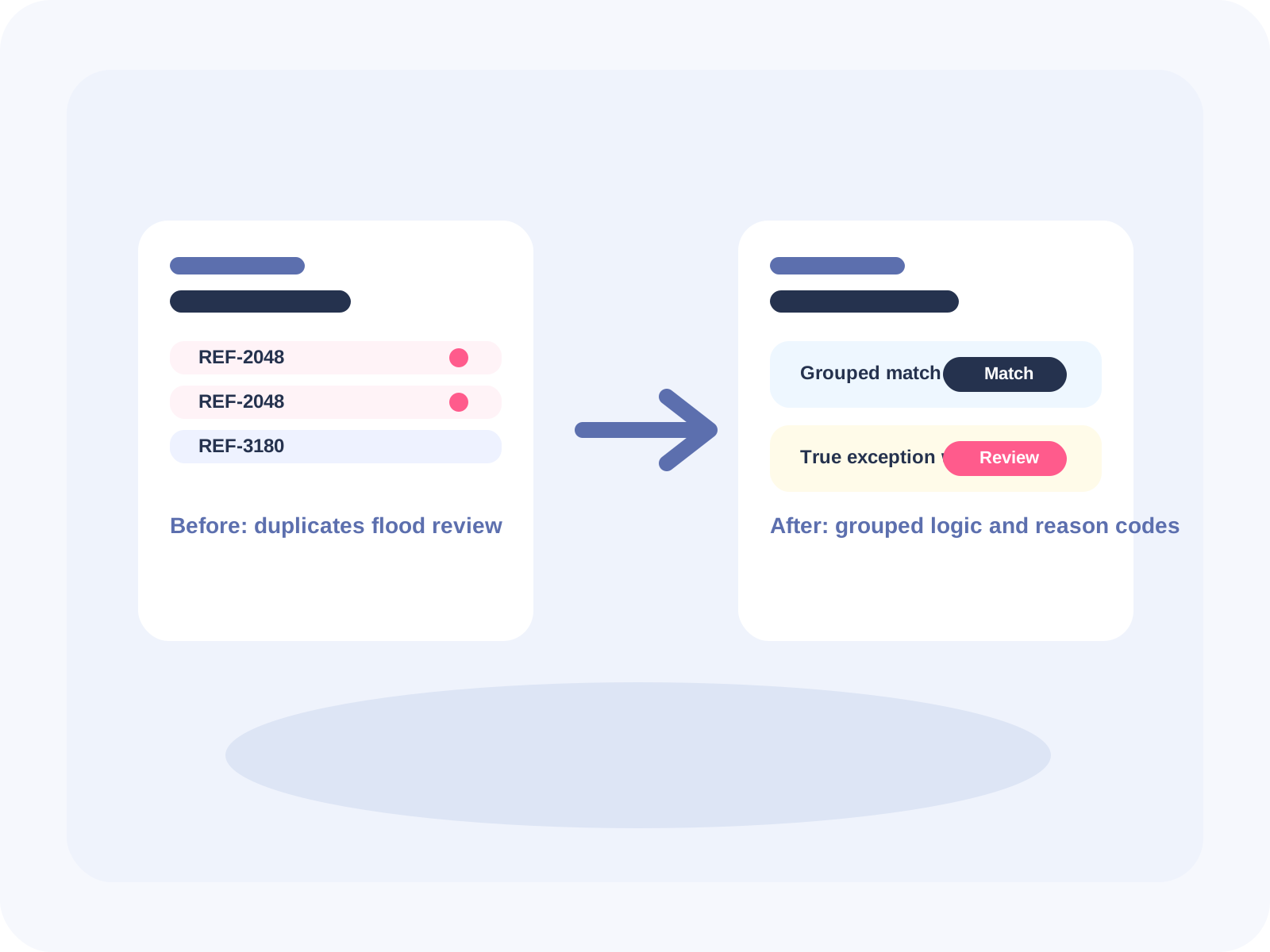
Not every account reconciles one row to one row. Split settlements, batched deposits, and duplicated source lines can make a clean business event look mismatched if the logic only expects single-row pairs. Teams waste hours proving the workbook wrong when the problem is the matching model, not the transaction.
That is one reason FireLookup supports one-to-many and many-to-many matching. Grouped transactions can be reviewed as grouped transactions instead of being forced through workaround formulas.
5. Exception queues with no reason code
A queue full of 'unmatched' rows is not a review process. Every open item needs a short reason such as timing, duplicate, missing posting, bank-only fee, or investigation required. Without that label, the same item gets rediscovered each time the file is reopened.
What a guided reconciliation flow fixes
- It keeps source files unchanged so reruns do not destroy the evidence trail.
- It applies exact, fuzzy, and grouped matching in the same workflow instead of across separate formula experiments.
- It shows matched and unmatched rows together so the reviewer can decide faster.
- It exports an audit-ready result that is easier to explain than a workbook full of copied logic.
FAQ
Why do spreadsheet reconciliation errors show up as unmatched rows?
Because the comparison can only judge the inputs it receives. If keys drift, signs reverse, or duplicates stay hidden, the system cannot know whether the issue is structural or financial. The unmatched queue becomes a mixture of both.
Can fuzzy matching solve most reconciliation errors?
No. Fuzzy matching helps with near-matches on text columns, but it does not fix weak data structure, duplicate rows, missing columns, or bad sign rules. It is one tool inside a controlled workflow, not a substitute for clean inputs.
What is the first control to add if the queue keeps exploding?
Start with a pre-match checklist that forces file cleanup, key selection, amount normalization, and duplicate review before anyone runs the comparison. That single discipline usually removes the largest share of false exceptions.
Further reading
Microsoft: create a fuzzy match in Power Query
Review the limits and settings of fuzzy matching before treating it as a universal fix.
Microsoft: merge queries in Power Query
Useful for structured joins when the data types, keys, and source tables are already under control.
Microsoft: compare workbook versions
Helpful when workbook drift itself is part of the problem and the team needs to see what changed.
Explore FireLookup
Use the checklist that prevents false exceptions
Apply the pre-match controls that keep noisy rows out of review.
See the month-end close version of the workflow
Translate cleaner matching into a calmer close and clearer reviewer handoff.
Check FireLookup pricing
Review the plan options for recurring Excel and CSV reconciliation work.
Explore more
Poursuivre l'exploration de FireLookup
Comparez les tarifs, consultez le guide de préparation des fichiers et découvrez les workflows de rapprochement de feuilles de calcul depuis ces pages.